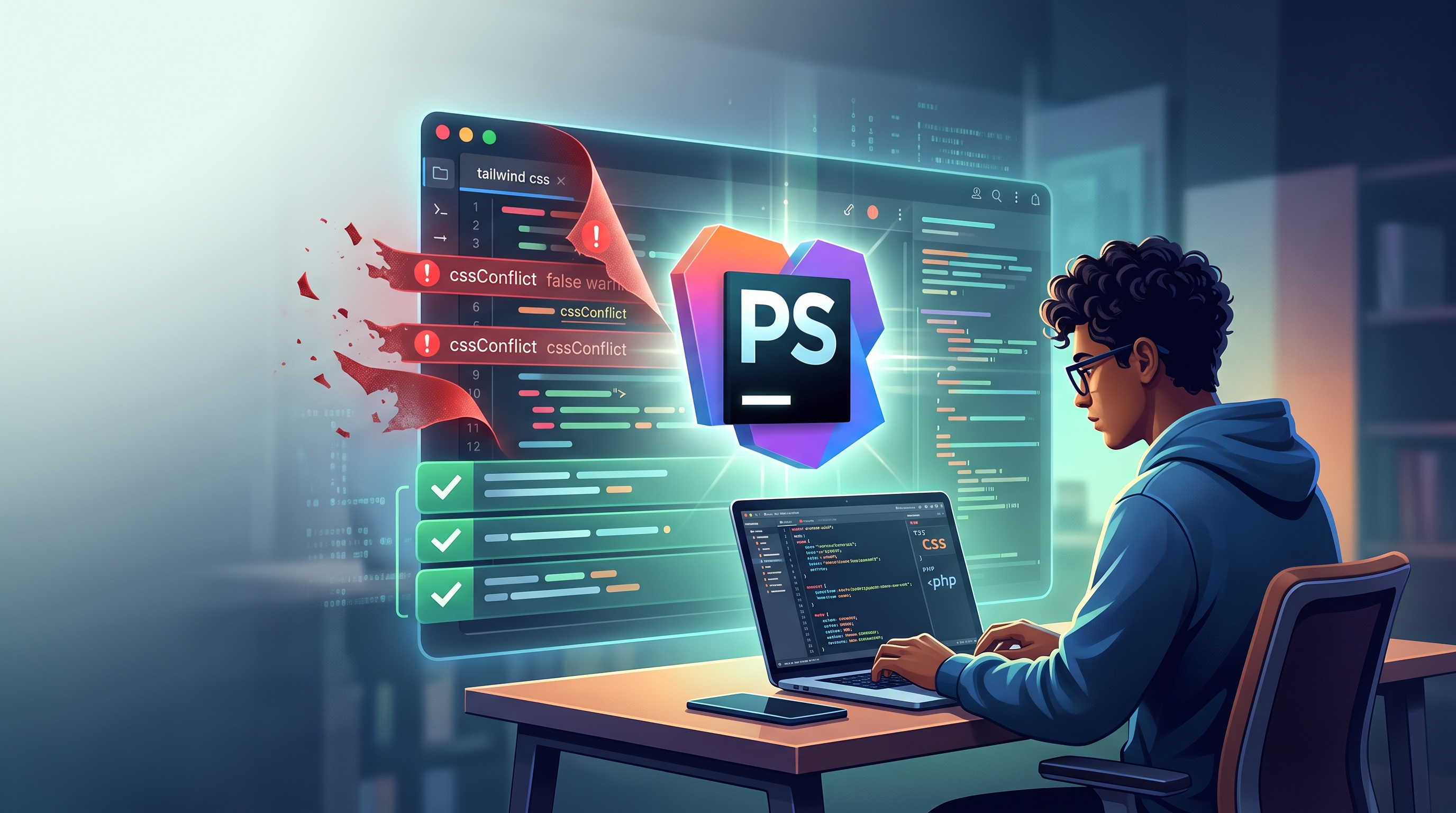
How to Stop PhpStorm’s False Tailwind Conflict Warnings

If PhpStorm suddenly thinks every Tailwind light/dark class pair is a conflict, step away from the quick-fix. Your code is probably fine.
You open a Blade template, make a small change, and PhpStorm lights up like a yellow Christmas tree.
<section class="border-zinc-200/70 bg-white dark:border-neutral-700/70 dark:bg-neutral-900">According to the editor, border-zinc-200/70 conflicts with dark:border-neutral-700/70. The suggested solution is wonderfully confident:
Delete
dark:border-neutral-700/70.
Do not do that.
The two classes may affect the same CSS property, but under different conditions. One styles the page normally; the other takes over in dark mode. Delete the dark: class and the warning disappears—along with part of your working design.
The good news: your Tailwind code isn’t broken. PhpStorm’s Tailwind language server is crying wolf, and the fix takes about two minutes.
What’s actually going wrong?
PhpStorm’s Tailwind support is powered by the Tailwind CSS Language Server. It handles class completion, hover previews, and inspections such as cssConflict.
After Tailwind CSS 4.3.3 changed the way certain selectors were represented internally, older language-server versions began misreading some variant utilities. Instead of recognizing that dark: changes where a rule applies, the server compared the declarations and concluded that the two classes were duplicates.
That produces warnings like these:
'bg-white' applies the same CSS properties as 'dark:bg-neutral-900''text-zinc-900' applies the same CSS properties as 'dark:text-white''border-zinc-200' applies the same CSS properties as 'dark:border-neutral-700'The underlying cssConflict bug was fixed upstream, with a regression test added to ensure genuine conflicts are still caught. The fix landed in version 0.16.0 of @tailwindcss/language-server. The merged Tailwind pull request explains the selector-comparison problem in detail.
The remaining problem is simply that your copy of PhpStorm may still be using an older bundled server.
The two-minute fix
1. Install the current Tailwind language server
Open a terminal and run:
npm install -g @tailwindcss/language-server@latestYou need version 0.16.0 or newer. If you use Herd ornvm, the Node installation managed by either one is fine.
2. Find the executable
Don’t borrow a path from a teammate or paste one from a tutorial. Global npm paths vary by username, Node version, and installation method.
Ask your machine where the executable lives:
which tailwindcss-language-serverOn a Mac using Herd, the result may resemble:
/Users/yourname/Library/Application Support/Herd/config/nvm/versions/node/v22.23.2/bin/tailwindcss-language-serverCopy the path your own machine returns.
3. Give that path to PhpStorm
In PhpStorm, go to:
Settings → Languages & Frameworks → Style Sheets → Tailwind CSS
Find the Language Server field and replace the bundled-server entry with the path from the previous step.
This isn’t an exotic workaround. JetBrains’ own documentation recommends keeping the Tailwind language server current and supports specifying a globally installed version in this exact settings panel. See the PhpStorm Tailwind CSS documentation.
4. Restart PhpStorm
Reopen a Blade or HTML file containing a few dark: utilities.
The false warnings should be gone. Hovering over a Tailwind class should still display its compiled CSS, and legitimate conflicts—such as accidentally writing both p-2 and p-4—should still be reported.
Why not simply silence the warning?
You can suppress the inspection with a Tailwind configuration setting like this:
{
  "lint": {
    "cssConflict": "ignore"
  }
}
That certainly makes the squiggles disappear. Unfortunately, it also blinds PhpStorm to real conflicts.
Updating the language server gives you the outcome you actually want: no bogus warnings about valid variants, while useful duplicate-class detection continues working.
One small Node-version trap
If you use Herd or nvm and later switch Node versions, your global npm packages may remain inside the previous version’s directory.
When that happens:
Reinstall
@tailwindcss/language-serverunder the new Node version.Run
which tailwindcss-language-serveragain.Update the path in PhpStorm.
If the squiggles suddenly return after a Node upgrade, check this before investigating your Tailwind configuration.
The reassuring conclusion
Your light-mode and dark-mode utilities were never fighting. An older language server merely failed to notice that the selectors placed them in different contexts.
So when PhpStorm offers to “fix” the problem by deleting a dark: class, resist the shiny button. Update the language server instead, restart the IDE, and enjoy a quieter editor without sacrificing a single dark-mode style.
For the upstream trail, see the original PhpStorm report, the cssConflict issue, and the merged fix.